Financial Payments
Find the right flow for eligible loan instalments, card bills, insurance premiums, pension contributions, deposits and rent.
6
Payment categories
4
Simple steps
1
Convenient overview
Payment Categories
Each option takes you to a focused form with details relevant to that financial payment.
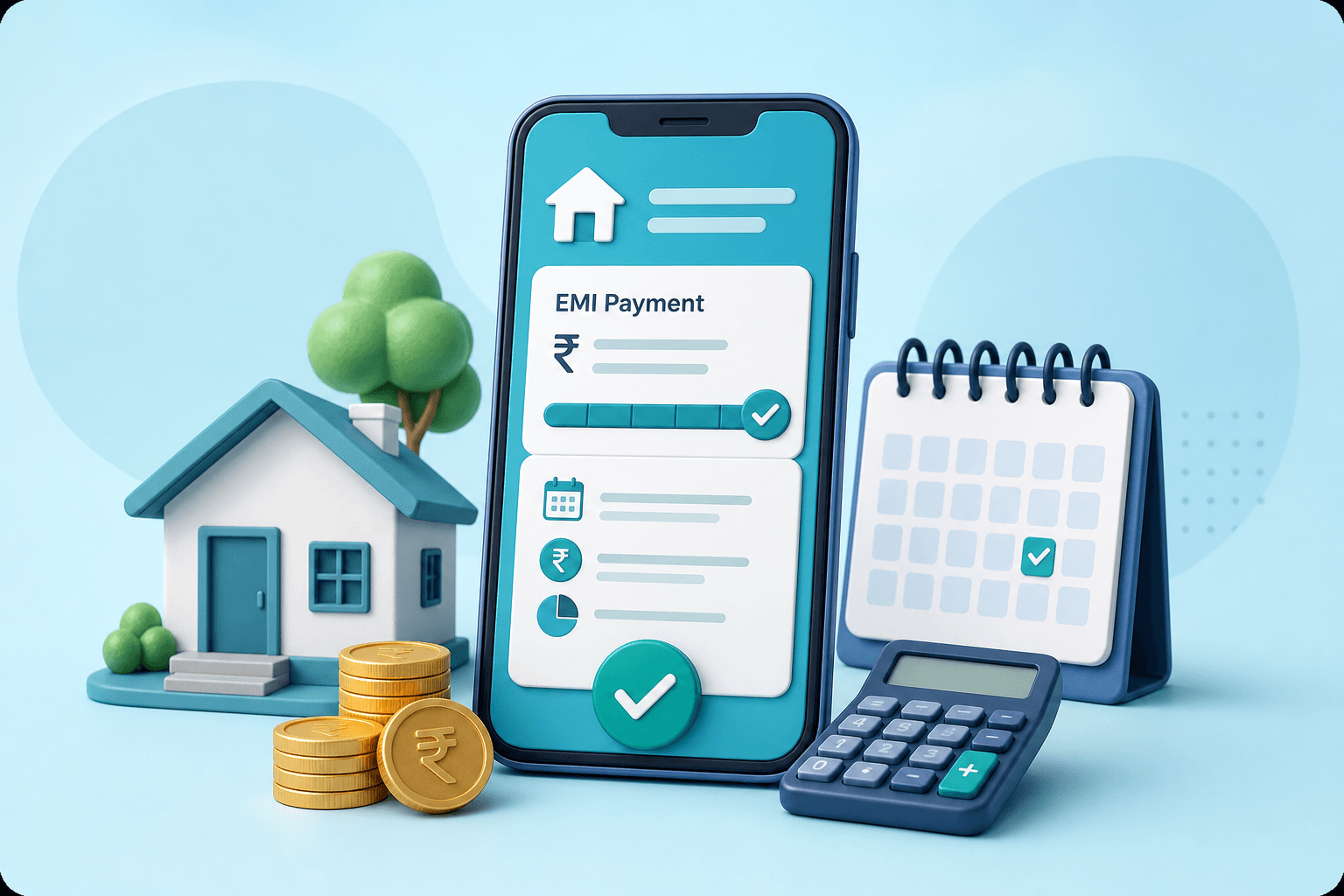
Loan repayment
Review and pay an eligible loan instalment using the lender and loan-account details linked to your borrowing.
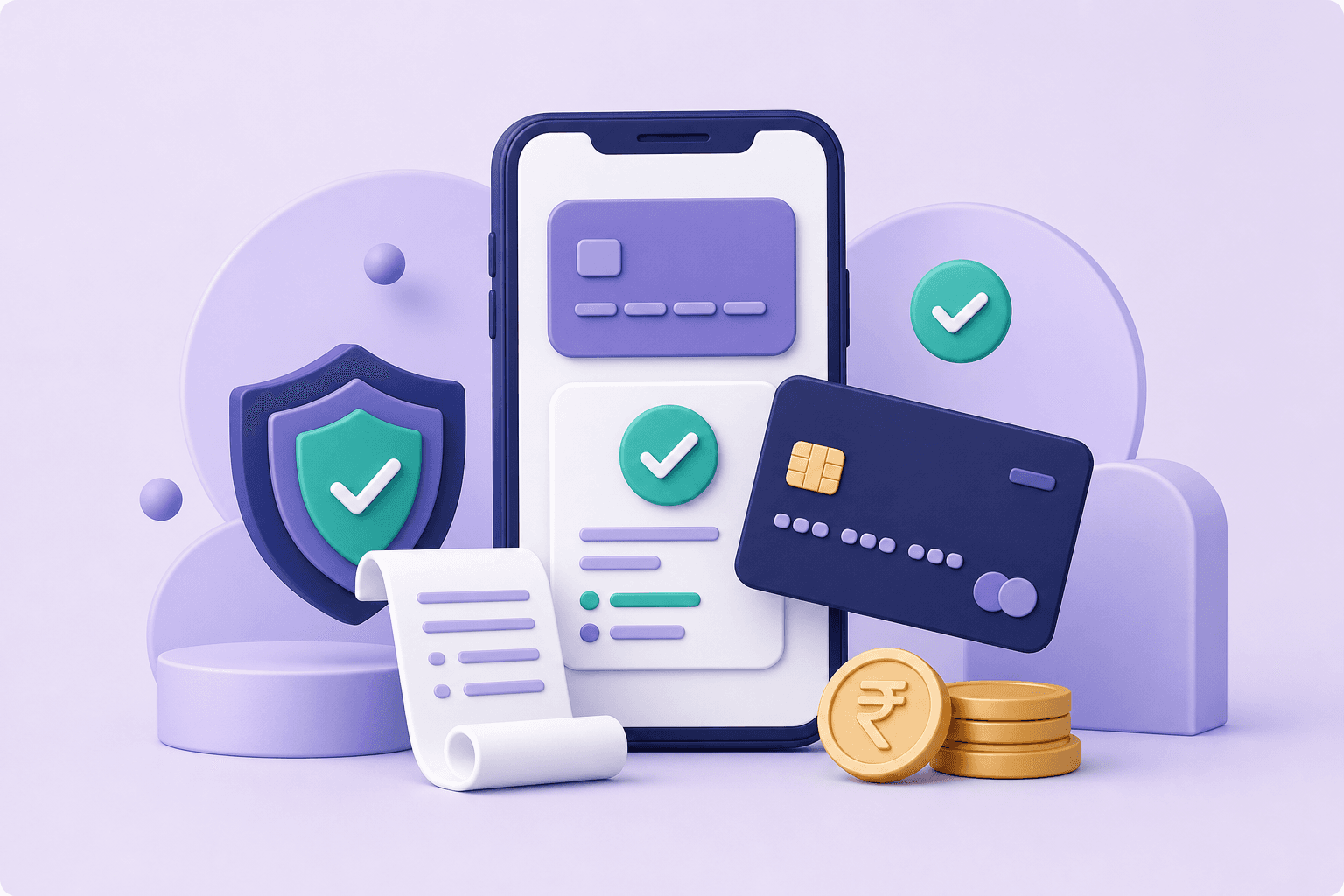
Card payment
Pay an eligible credit-card bill through a guided flow using the details requested by the selected card issuer.

Policy payment
Fetch and pay a supported insurance or LIC premium with the policy and customer information requested by the insurer.

Retirement planning
Make an eligible National Pension System contribution using your PRAN and the verification details required in the form.

Scheduled savings
Pay a supported recurring-deposit instalment using the account information associated with your deposit.
Monthly rent
Complete an eligible rental payment after entering the required tenant, property and recipient information.
Designed for clarity
Each category requests only the details needed to identify and process the selected payment.
Check the fetched account, policy, bill or instalment information before you authorise payment.
Retain the confirmation and transaction reference displayed after a successful payment.
How it works
The fields differ by category, but the overall process stays easy to follow.
Select the financial obligation you want to manage.
Provide the requested account, policy, PRAN or recipient information.
Check the fetched name, amount and other important details carefully.
Continue with an available method and retain your transaction reference.
Payment Help
Helpful answers before you begin a financial payment.
The page provides entry points for supported loan EMI, credit-card bill, insurance premium, NPS, recurring-deposit and rental-payment services.
Requirements vary by category. You may need a loan account number, card details, policy number, PRAN, deposit account information or rental-payment details.
Where bill fetching is supported, review the displayed customer and amount information before continuing. For manually entered amounts, check the value carefully.
Save the payment confirmation and transaction reference. These details are useful if you later need help with the transaction.
Availability depends on the category and participating provider. Try the relevant form to view supported options or contact the SaveDost support team.
Avoid immediately repeating a pending transaction. Check its status first and contact support with the transaction reference if you need assistance.
SaveDost Support
Contact our support team for guidance about your SaveDost account, available services or a transaction concern.
Share your question with our team and include any relevant service details.
Contact Support